Your card.
Their details. Done.
Oh wait - you're still using paper.
Capture leads instantly. Network like a psycho (minus the psychosis).
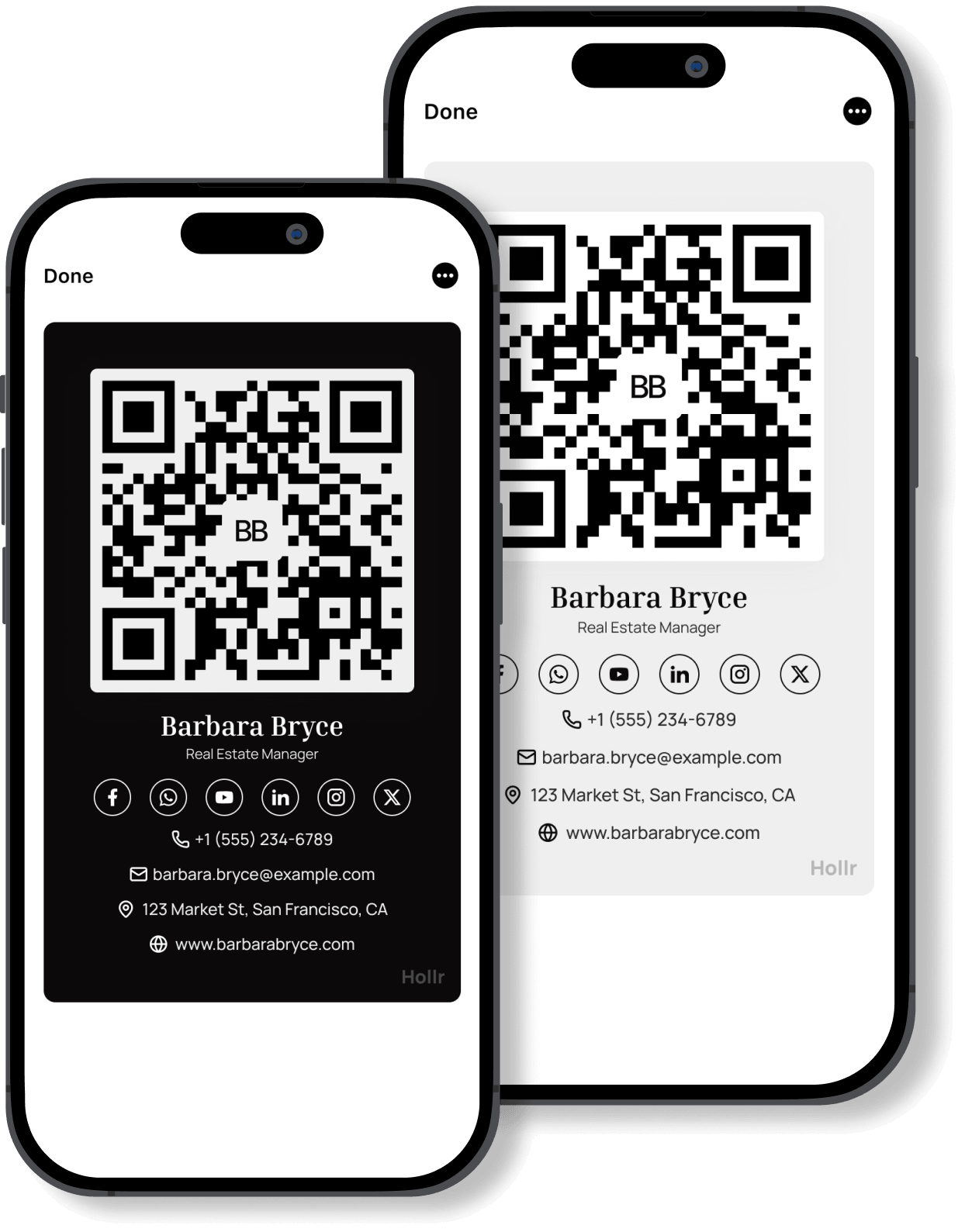
Oh wait - you're still using paper.
Capture leads instantly. Network like a psycho (minus the psychosis).

Add your details, pick your theme, assign it to a campaign. Ready in under two minutes.

QR code, link, NFC tap, or your iOS Control Center - whichever gets your card in front of them fastest. No app on their end.

After scanning, your card prompts them to fill in their details. Leads land in your dashboard, organized by campaign - before you've left the room.

From your first scan to your last follow-up, Hollr handles the networking so you handle the conversation.
Create Your Digital Business Card
Four ways to share - zero ways to be forgettable. Add Hollr to your iOS Control Center for instant access, or use QR, link, or NFC tap - whichever fits the moment.
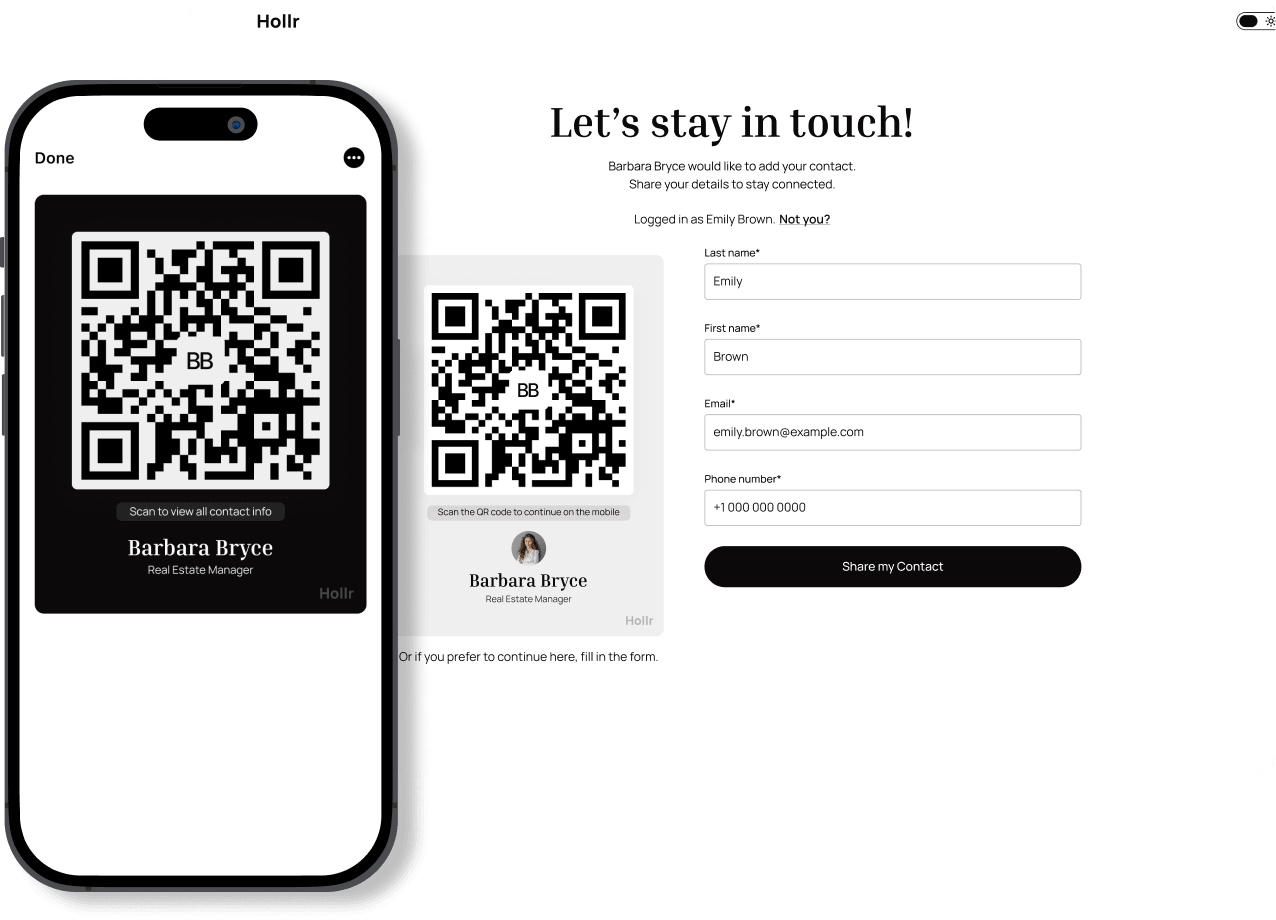
Your card, your aesthetic. Clean bone-white or midnight black - both make an impression.
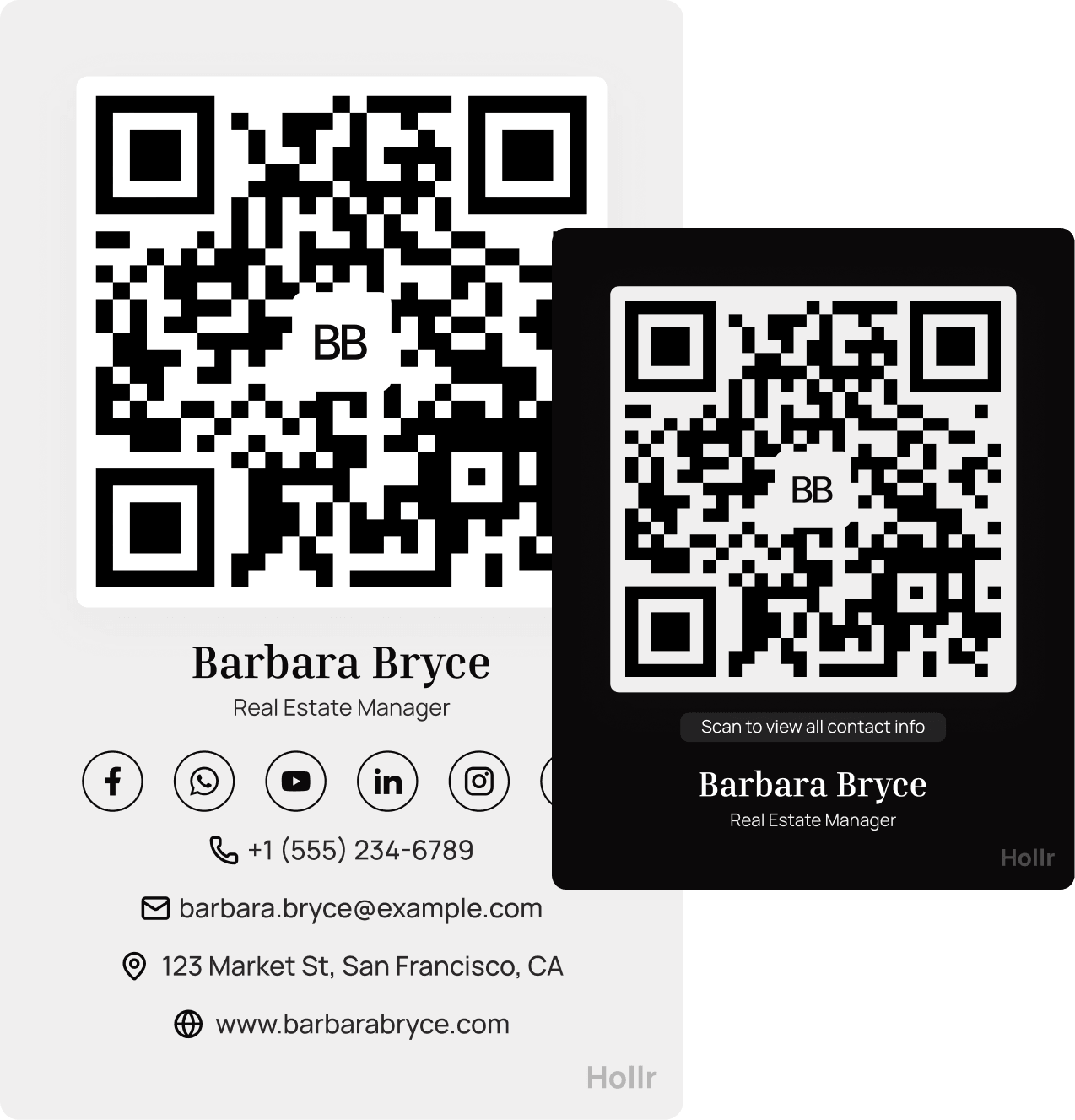
Assign each card to a campaign - Web Summit, GITEX, or Real Estate Expo, your next sales push - and see exactly who scanned, where, and when.
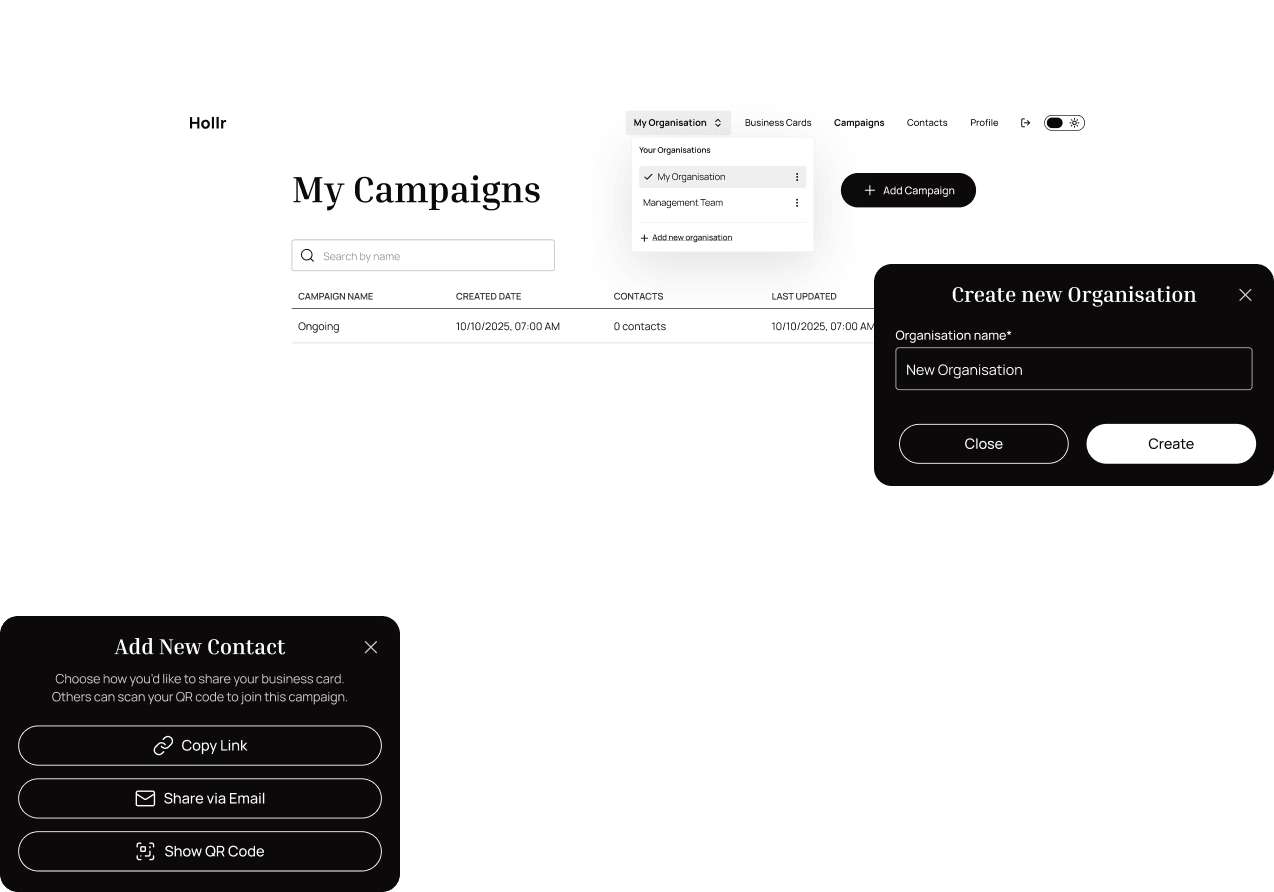
Whether you're just starting or ready to scale,
Hollr gives you the tools to connect, share, and grow — at your own pace.

Find quick answers to the most common questions about using Hollr and making the most of your digital business card.
Yes. Hollr is free to get started - create your card, share it, and start collecting leads with no credit card required. When you're ready for more, paid plans unlock advanced features like unlimited leads, analytics, and team dashboards.
No. When someone scans your QR code or taps via NFC, your card opens instantly through an App Clip - no app download, no friction. They see your card, fill in their details, and you've got a lead. That's it.
On iPhone, your card opens instantly via App Clip - no download needed. On Android or any other device, it opens directly in their browser. Either way, they see your card and can fill in their details in seconds. No app required on their end, ever.
Show your QR code or tap via NFC. They scan, your card opens instantly via App Clip - no download needed - and they're prompted to drop their details before they walk away. Every lead logs to your campaign automatically.
Every contact lands in your dashboard, grouped by campaign. Filter, tag, and export any time - or connect directly to your CRM when integrations go live.
A campaign ties your card to a specific context - a conference, a sales push, a product launch. Every lead that comes through that card gets tagged automatically, so you know exactly where each contact came from. No manual sorting. No guessing which event that email was from.
Yes. You can create multiple cards - one for each role, context, or campaign. A card for your day job, one for your side project, one for the conference next month. Each card collects leads independently and feeds into its own campaign.
Yes. Hollr is built to EU standards and GDPR-compliant. Contacts fill in their details voluntarily - you're not harvesting anything. Your data is yours; we process it only to run the service. Full details are in our Privacy Policy.
Four: QR code, direct link, NFC tap, and AirDrop. Use QR at events, send the link over email or LinkedIn, tap via NFC for one-on-one moments, or keep your card in a widget for instant access from your lock screen.
Not yet - the native app is iOS only for now. Android users can access the full Hollr experience through the web version at app.hollrdigital.com. Everything works: create your card, manage campaigns, and collect leads - all from your browser, no install needed.